
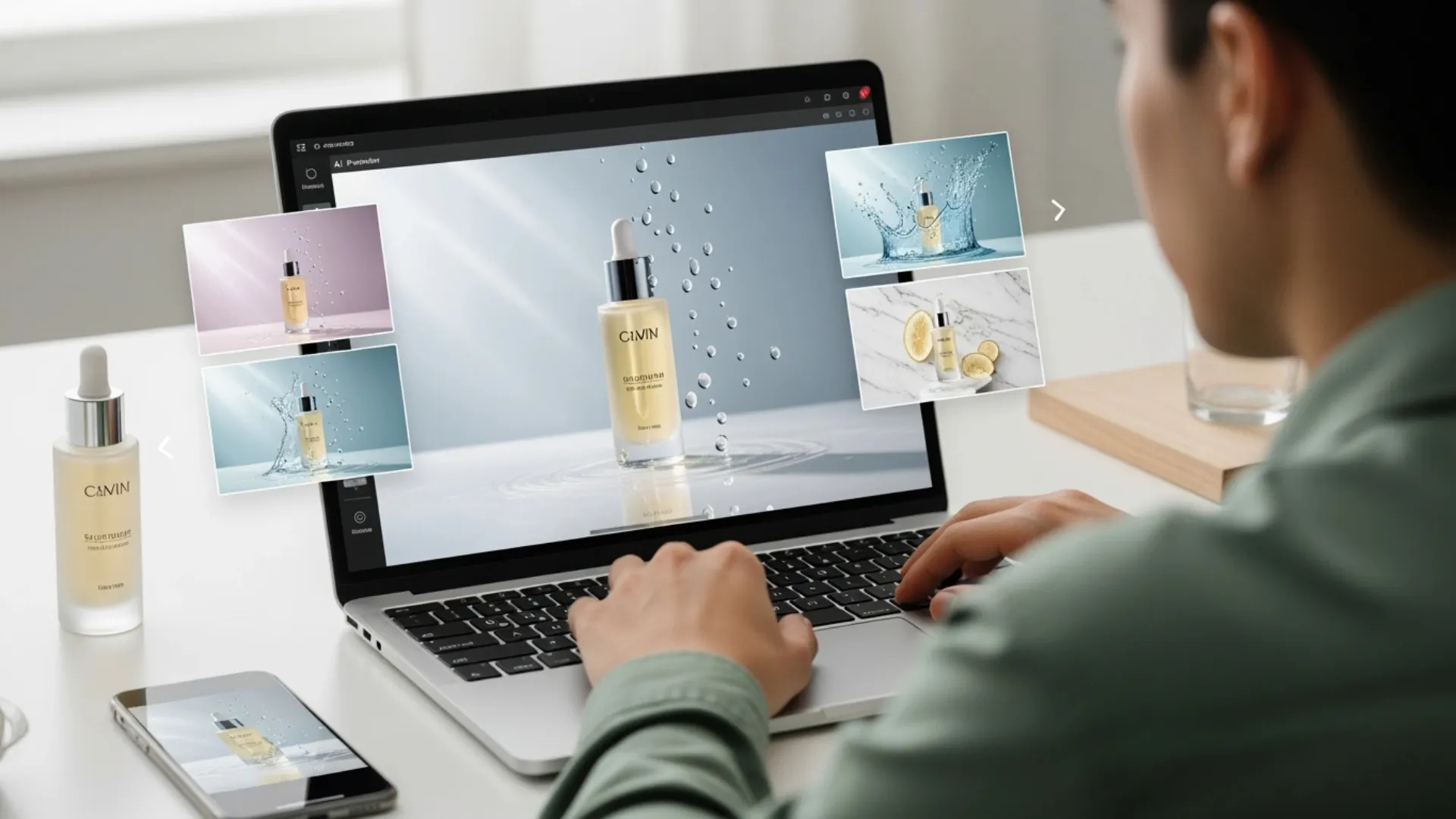


Skincare photography is one of the hardest product categories to shoot well. Glass bottles catch every reflection. Metallic caps create hot spots. Cream textures need soft, diffused light that takes forever to set up. And if you're a small beauty brand trying to photograph 20+ SKUs consistently, the traditional route, with a studio, photographer, lighting rigs, and retouching, can easily run $200 to $500 per image.
That's where cosmetic photography AI tools come in. You can now take a single product photo and turn it into a full set of professional visuals without booking a studio or touching a light modifier. Here's a step-by-step walkthrough of how to get studio-quality skincare product photography using AI, plus the practical tips that make the difference between "obviously AI" and "wait, that wasn't a real shoot?"
Why Skincare Photography Is Uniquely Difficult
Before jumping into the how-to, it helps to understand why beauty products are so much harder to photograph than, say, a t-shirt or a phone case.
Reflective Surfaces Are Everywhere
Most skincare packaging combines glass, frosted plastic, metallic caps, and sometimes transparent liquids, all in a single product. Each material absorbs and reflects light differently. A setup that works for a matte jar will blow out a chrome cap. Professional studios solve this with polarizing filters, custom diffusers, and hours of micro-adjustments. For a seller working from a home office, replicating that level of control is nearly impossible.
Consistency Across a Full Product Line
One great hero shot is not enough. Your serum, moisturizer, cleanser, and toner all need to look like they belong together on the same shelf. Matching lighting, shadows, angles, and color temperature across a dozen SKUs takes great skill and time, even for experienced photographers. AI tools handle this more efficiently because the same settings and style can be applied across every product in a batch.
RELATED READING: AI Model Photography for Beauty & Skincare Brands (Full Guide)
How to Get Studio-Quality Skincare Photos with AI
The process is simpler than most guides make it sound. Here are the key steps, from source image to finished, publish-ready photo.
Step 1. Capture a Clean Source Image
AI tools are powerful, but the output quality depends heavily on what you feed them. You don't need a professional camera, but you do need a clean starting point.
A few basics that make a real difference:
- Shoot on a plain white or light gray surface near a window for soft, even light
- Wipe down the product completely, since fingerprints and dust show up more than you'd expect
- Avoid harsh overhead lighting that creates strong shadows under caps and labels
- Shoot straight-on or at a slight angle so the label is fully readable
A smartphone with decent resolution works fine here. The goal is a sharp, well-lit image with no distracting elements in the frame.
Step 2. Remove the Background
Once you have a clean product shot, the first AI step is removing the background completely. A transparent cutout gives you maximum flexibility because you can place that product into any scene, on any surface, with any backdrop.
Most AI background removal tools handle skincare packaging well, including transparent bottles and frosted glass. If there are small leftover artifacts around edges or caps, a quick pass with an AI eraser tool cleans those up in seconds.
Step 3. Place the Product in a Lifestyle Scene
Here's where the magic happens. Instead of a plain white background (which works for catalog shots but doesn't sell a feeling), AI lifestyle photography places your product into a realistic environment.
Think of the scenes you see on high-end beauty brand websites: a serum bottle on a marble bathroom counter with soft morning light, a moisturizer nestled among eucalyptus leaves and linen, or a cleanser sitting on a wet stone surface with water droplets catching the light.
A beauty product AI photoshoot using AI generates exactly these kinds of scenes from a single product cutout. You pick a style or describe the setting, and the tool renders a finished image with realistic shadows, reflections, and depth of field, all matched to your product's shape and packaging.
Step 4. Generate Clean White-Background Catalog Shots
Lifestyle shots sell the brand story. But marketplaces like Amazon still require clean, distraction-free images on white backgrounds. AI background tools can generate studio-quality white-background shots with professional lighting and soft shadows, no lightbox or sweep setup needed.
For skincare brands listing across multiple platforms, having both lifestyle and catalog images from the same source photo keeps your look consistent everywhere.
Step 5. Add Model Shots Without a Model
Skincare photography often benefits from showing the product in use. A hand applying serum, a face mist being sprayed, a model holding a jar. Traditionally, that means hiring models, getting releases, and coordinating a whole separate shoot.
AI model photography can generate on-model product images for beauty brands without a physical shoot. The output includes diverse model options and natural poses that work well for social ads, website banners, and listing hero images.
Step 6. Create Video Content From the Same Images
Static images cover your listings and website. But short product videos, especially for social ads and Reels, tend to outperform stills in engagement. Pages with video convert at roughly 4.8% versus 2.9% without (WebFX).
Rather than starting a separate video production process, AI video tools can turn your existing product images into dynamic clips: gentle rotations, lifestyle animations, and ad-ready video content. One product photo, multiple output formats.
RELATED READING: How to Turn Raw Product Photos Into Studio-Quality Images with AI
Tips That Make AI Skincare Photos Look Professional
Getting the basics right is straightforward. Making the results look truly polished takes a few extra considerations.
Use Props That Tell Your Product's Story
The best skincare photography, whether traditional or AI-generated, includes visual cues that reinforce what the product does. A vitamin C serum looks more compelling next to orange slices. A calming face cream feels right on a bed of lavender. A hydrating mist belongs near water droplets and fresh leaves.
When writing prompts or choosing AI scene styles, lean into these ingredient-inspired pairings. Visual cues like these add context and make the image feel editorial rather than generic.
Keep Color Accuracy Non-Negotiable
Color matters more in beauty than almost any other product category. A customer ordering "rose gold" packaging or a tinted moisturizer in "warm honey" expects that exact shade. Always compare your AI-generated images against the physical product before publishing. Adjust saturation and white balance if anything looks off. One color mismatch on a marketplace listing can trigger returns and damage trust.
Batch Process for Visual Consistency
When photographing a full skincare line, run all products through the same AI workflow with the same scene settings. Matching lighting direction, background tone, and shadow depth across every SKU creates the kind of visual coherence that makes a brand look established and trustworthy, even if you launched last month.
Conclusion
Studio-quality skincare product photography no longer requires a studio. With a clean source photo, the right AI tools, and attention to details like color accuracy and scene styling, a small beauty brand can produce visuals that compete with any established player.
Start with your hero product, run it through the full workflow, and see the results for yourself.
Want to create professional skincare photos, lifestyle scenes, and product videos from a single image? Try Blend free and build your entire visual catalog in minutes.
Frequently Asked Questions
Do AI photos work for Amazon and Shopify skincare listings?
Yes. AI-generated images export as standard JPG or PNG files that meet marketplace image requirements for resolution, background, and format.
How much does AI skincare product photography cost compared to a traditional shoot?
Most AI tools run $10 to $30 per month for unlimited or high-volume use. A traditional beauty product shoot typically costs $200 to $500 per image once you factor in studio, photographer, styling, and retouching.
Can AI handle transparent and reflective skincare packaging?
Modern AI tools handle glass, frosted plastic, and metallic surfaces well. Starting with a clean, well-lit source photo gives the best results.
What kind of source photo do I need to get good AI output?
A sharp, evenly lit image on a plain background, taken with a smartphone or basic camera. Make sure the label is readable, and the product is free of dust or smudges.
Can AI generate skincare photos with models applying the product?
Yes. AI model tools can create on-model images showing product application without a physical photoshoot, including diverse model options and natural poses.
How many product images should a skincare listing have?
Most high-performing listings include 5 to 7 images: a hero shot, a white-background catalog image, 2 to 3 lifestyle or in-use shots, and an ingredient or benefit highlight image.