




Amazon product images must follow strict visual requirements: pure white backgrounds (RGB 255,255,255), minimum 1000px on the longest side, the product filling at least 85% of the frame, and no watermarks, logos, or promotional text on the main image. AI image generators can produce images that hit these specs, but only if your prompt includes the right technical constraints. Blend's Studio Shot tool generates Amazon-compliant product images from a single photo upload without any prompting, but if you're using ChatGPT Images, Midjourney, or Nano Banana, the 17 prompts below are built to meet marketplace requirements on the first generation.
What Amazon Requires (and What Most AI Prompts Miss)
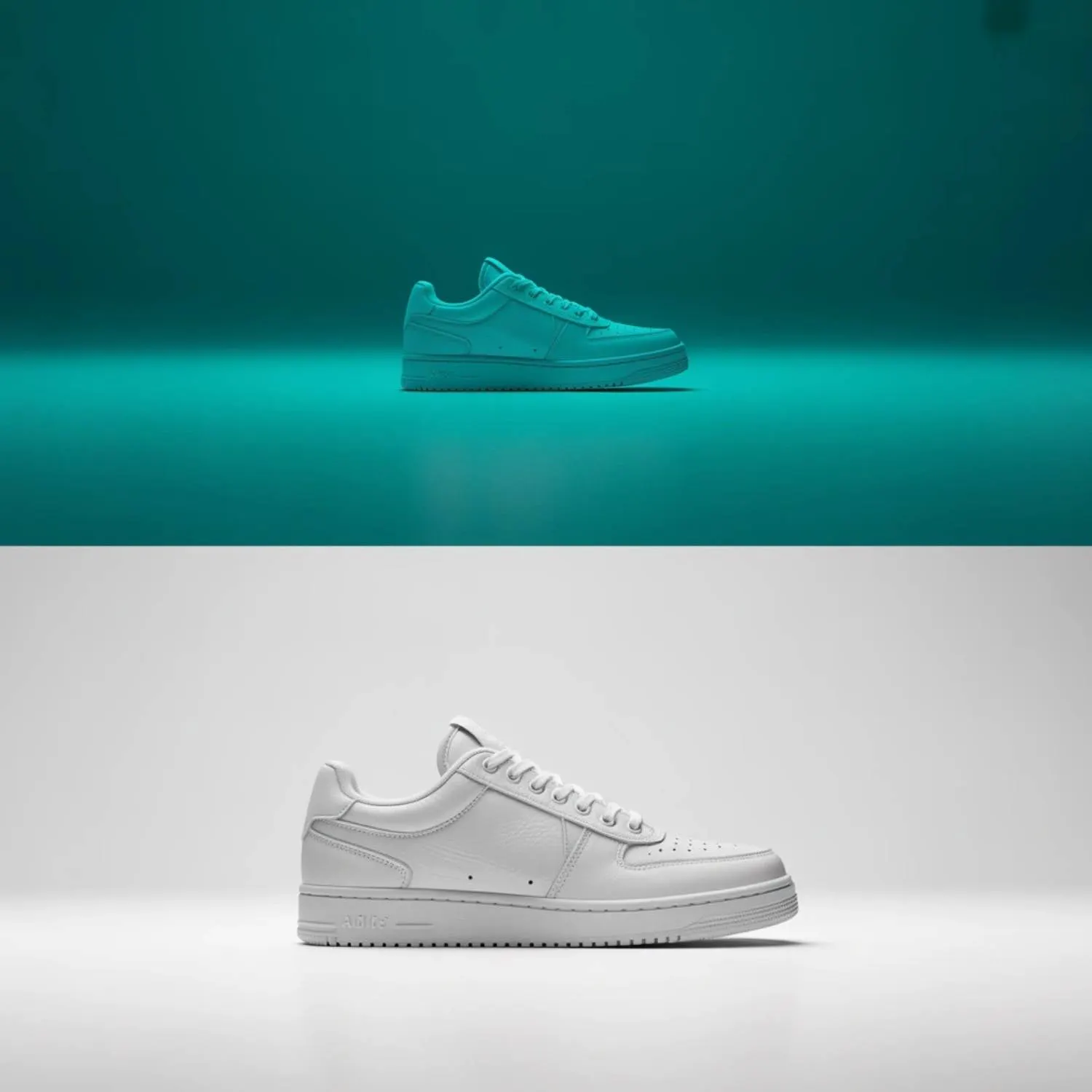
Amazon's image guidelines are specific, and most AI prompts miss at least two or three requirements. Here's a quick reference before you start generating.
Amazon Requirement | What It Means for Your Prompt |
Pure white background (RGB 255,255,255) | Specify "pure white background, RGB 255,255,255" explicitly |
Product fills 85%+ of frame | Include "product fills at least 85% of the image area" |
Minimum 1000px longest side | Set output resolution to at least 2000x2000px |
No text, logos, or watermarks on main image | State "no text overlays, no watermarks, no logos" |
No props or lifestyle elements on main image | Specify "product only, no additional objects" |
Natural shadows allowed | Include "soft natural shadow beneath the product" |
Multiple angles recommended (slots 2-7) | Generate front, back, side, detail, and lifestyle separately |
Most AI generators default to adding props, stylized backgrounds, or text when you don't explicitly exclude them. Every prompt below includes the exclusion language Amazon requires.
- Blend Tool: Studio Shot
- Product Type: Stainless steel water bottle
- Generation Brief: Side-by-side comparison. Left: an AI-generated product image that violates Amazon specs (colored background, product too small in frame, text overlay visible). Right: a Blend Studio Shot output that meets all specs (pure white background, product filling 85%+ of frame, natural shadow, no text). Red X marks on the left, green checkmarks on the right.
- Visible UI Elements: Blend's Studio Shot interface with one-click generate button
- Caption: Most AI generators need spec-specific prompts to meet Amazon requirements. Blend's Studio Shot produces compliant images automatically.
RELATED READING: Amazon Listing Images: Best Practices and Requirements
Main Image Prompts (Slot 1)

Amazon's main image (slot 1) has the strictest rules. Pure white background, no lifestyle elements, no text, product only. These prompts are built to hit those constraints.
Prompt 1 - Standard Front-Facing Product Shot
"Professional product photography of a [PRODUCT] on a pure white background (RGB 255,255,255). Product centered in frame, filling at least 85% of the image area. Front-facing angle, product upright in its natural orientation. Soft, even studio lighting from two 45-degree angles. Natural soft shadow directly beneath the product. No text, no watermarks, no logos, no props, no additional objects. High resolution, sharp focus across the entire product. Clean, Amazon-compliant ecommerce photography."
Prompt 2 - Slight Three-Quarter Angle
"Product photography of a [PRODUCT] on a pure white background. Three-quarter angle (approximately 30 degrees from front), showing both the front face and one side of the product. Product fills 85% of the frame. Even studio lighting with a large softbox overhead and fill light from the right. Subtle shadow beneath. No text overlays, no props, no lifestyle elements. Sharp product detail, Amazon main image compliant."
Prompt 3 - Top-Down for Flat Products
"Overhead product photography of a [PRODUCT] laid flat on a pure white surface. Camera positioned directly above, perpendicular to the product. Product centered and filling at least 85% of the image area. Flat, even lighting with no visible shadows except a very faint edge shadow. No text, no watermarks, no background elements. Suitable for Amazon main image slot."
Prompt 4 - Transparent or Glass Products
"Product photography of a [PRODUCT] (transparent/glass material) on a pure white background. Product lit from behind to show the transparency and internal contents. Subtle refraction and light play through the glass. Product centered, filling 85% of frame. Soft shadow beneath. No background elements, no text. High-resolution, Amazon-compliant."
Prompt 5 - Multi-Pack or Bundle Shot
"Product photography of a [QUANTITY]-pack of [PRODUCT] arranged neatly on a pure white background. Products grouped closely together in a clean, balanced arrangement. All items visible and identifiable. Group fills 85% of the frame. Even studio lighting, soft shadows beneath each item. No text, no props. Amazon main image format."
RELATED READING: AI Product Photography for Dropshippers
Supporting Image Prompts (Slots 2-7)
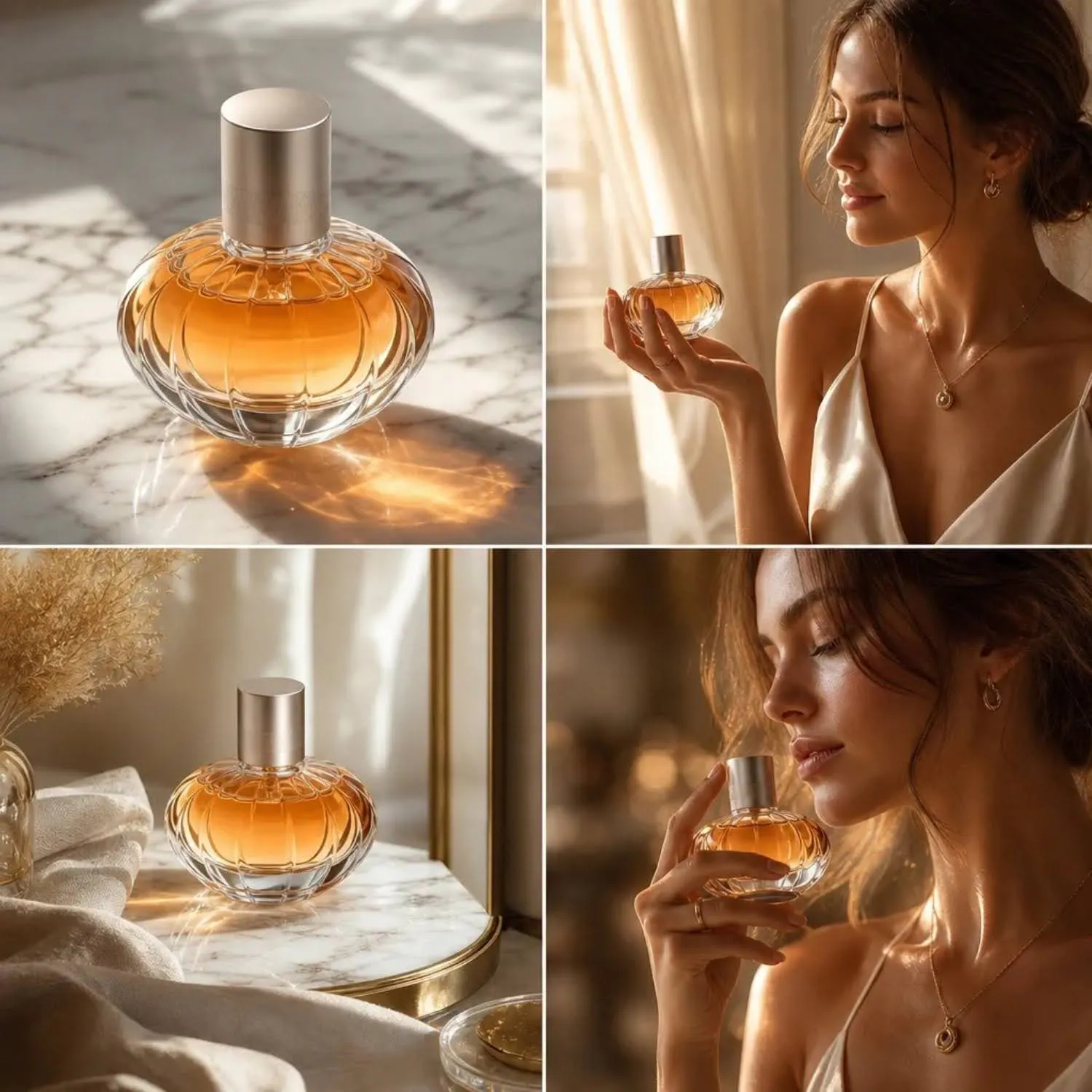
Amazon slots 2 through 7 allow lifestyle scenes, infographics, detail shots, and on-model imagery. These prompts generate the supplementary images that round out a complete listing.
Prompt 6 - Back View
"Product photography of the back of a [PRODUCT] on a pure white background. Rotated 180 degrees from the front-facing position. Same lighting setup as the front shot: two 45-degree softboxes, subtle shadow beneath. Product centered, filling 85% of the frame. No text, no props. Clean catalog photography for Amazon secondary image slot."
Prompt 7 - Detail Close-Up
"Macro close-up product photography of the [SPECIFIC DETAIL: zipper, stitching, texture, label, clasp] on a [PRODUCT]. Shallow depth of field, with the detail area in sharp focus and the rest of the product softly blurred. White or light neutral background. Studio lighting emphasizing the texture and material quality. No text overlays. Amazon detail image."
Prompt 8 - Scale and Size Reference
"Product photography of a [PRODUCT] placed next to a common everyday object for size reference (e.g., a coffee mug, a hand, a smartphone). Pure white background. Both objects clearly visible with natural proportions. Even studio lighting. Product is the primary focus, reference object secondary. Amazon size reference image."
Prompt 9 - Lifestyle Kitchen Setting
"Lifestyle product photography of a [PRODUCT] on a clean marble kitchen countertop. Natural window light from the left. The product is the clear focal point, with minimal background elements (a plant, a glass of water) softly blurred. Warm, inviting tones. No text overlays. Amazon lifestyle image for slot 3 or 4."
Prompt 10 - Lifestyle Living Room Setting
"Lifestyle product photography of a [PRODUCT] placed on a modern wooden side table in a bright, minimalist living room. Natural daylight from a large window. Couch and bookshelf softly blurred in the background. Product in sharp focus. Warm, editorial tones. No text. Amazon lifestyle image."
Prompt 11 - Lifestyle Outdoor Setting
"Lifestyle product photography of a [PRODUCT] in an outdoor setting. Product placed on a wooden picnic table in a sunny backyard or park. Natural afternoon light with soft shadows from nearby trees. Greenery in the softly blurred background. Product is the clear subject. No text overlays. Amazon lifestyle image."
Prompt 12 - On-Model (Apparel)
"Ecommerce model photography. A [GENDER] model wearing a [PRODUCT: garment description] standing against a clean white background. Full-body shot showing the entire garment. Model in a natural, relaxed pose with arms at sides. Even studio lighting, no harsh shadows. Garment fit, color, and texture clearly visible. No text, no accessories unless part of the product. Amazon apparel listing image."
Prompt 13 - On-Model (Accessories)
"Close-up product photography of a [PRODUCT: watch/bracelet/necklace/sunglasses] worn on a [hand/wrist/neck/face]. Clean background (white or light neutral). The accessory is the focal point, with skin tones natural and unretouched. Soft studio lighting emphasizing the product material and detail. No text overlays. Amazon accessories listing image."
Prompt 14 - Infographic Overlay Base
"Product photography of a [PRODUCT] centered on a pure white background with generous negative space on all sides (product fills approximately 50-60% of frame). Even studio lighting, clean shadows. High resolution. No text. Designed as a base image for adding infographic callout text and feature labels in post-production. Amazon infographic image slot."
Prompt 15 - Comparison or Before-After
"Split composition product photography. Left side: a worn, faded, or generic version of a [PRODUCT CATEGORY] (representing the 'before' or competitor). Right side: a fresh, vibrant [PRODUCT] (representing the upgrade). Clean white background. Even lighting across both sides. Clear visual contrast between the two. No text overlays in the image. Amazon comparison image."
Prompt 16 - Packaging and Contents
"Product photography showing a [PRODUCT] with its packaging and all included accessories laid out neatly on a pure white background. Box or packaging in the center, product and accessories arranged around it in an organized flat-lay pattern. Overhead angle. Even studio lighting. Everything clearly visible and identifiable. No text. Amazon 'what's in the box' image."
Prompt 17 - Gift-Ready or Seasonal Variant
"Product photography of a [PRODUCT] with subtle seasonal styling. Product placed on a white surface with minimal seasonal props (e.g., a single pine branch for winter, a small flower for spring). Product remains the clear focal point filling at least 70% of the frame. Warm, natural lighting. No text overlays. Amazon seasonal listing image for supporting slot."
- Blend Tool: Studio Shot + Lifestyle Shot + AI Models
- Product Type: Stainless steel insulated water bottle
- Generation Brief: A seven-panel image showing a complete Amazon listing image stack generated from one product photo. Panel 1: white-background hero shot. Panel 2: back view. Panel 3: detail close-up of the lid mechanism. Panel 4: lifestyle kitchen scene. Panel 5: on-model (hand holding the bottle). Panel 6: infographic base with callout space. Panel 7: size comparison next to a coffee mug. All panels generated from a single product photo in Blend.
- Visible UI Elements: Blend dashboard showing all seven output formats in a grid
- Caption: One product photo in Blend generates every image slot Amazon allows, from white-background hero to lifestyle and detail shots.
RELATED READING: How to Turn Raw Product Photos Into Studio-Quality Images with AI
How AI-Generated Amazon Images Compare Across Tools
Amazon compliance depends on precise control over background color, framing, and prop exclusion. Here's how the major tools handle it.
Amazon Spec | ChatGPT Images 2.0 | Midjourney V8 | Nano Banana Pro | Blend Studio Shot |
Pure white background (255,255,255) | Requires explicit prompt | Inconsistent, often off-white | Requires explicit prompt | Automatic |
Product fills 85%+ of frame | Requires explicit prompt | Often underfills frame | Requires explicit prompt | Automatic |
No text/watermarks on main image | Usually compliant | Usually compliant | Usually compliant | Automatic |
Consistent lighting across SKUs | Varies per generation | Varies per generation | Varies per generation | Consistent template |
Batch processing for full catalog | One at a time | One at a time | One at a time | Batch upload |
On-model apparel imagery | No | No | No | Yes (AI Models) |
Lifestyle scene generation | Manual prompt required | Manual prompt required | Manual prompt required | One-click |
For sellers managing catalogs of 20+ products, the prompt-based approach means writing, testing, and iterating on these 17 prompts for every single SKU. Blend's template-based workflow handles Amazon listing image requirements from a single product photo upload across every slot.
Prompt Customization Tips for Specific Product Categories

Different product types need different prompt adjustments. Here's what to change for the most common Amazon categories:
- Apparel: Always specify "garment laid flat" or "on invisible mannequin" for main images. Include fabric type, color accuracy language ("true to color"), and full-garment visibility.
- Electronics: Emphasize screen content (on or off), cable visibility, and LED indicator states. Include "all ports visible" for back-angle shots.
- Food and beverage: Specify "packaging sealed, label fully readable, expiration date area visible." For perishable items, include freshness cues ("glistening surface," "condensation on glass").
- Jewelry: Use macro prompts with "shallow depth of field on the stone/setting" and "reflective metal surface" language. Include clasp visibility for necklaces and bracelets.
- Home and furniture: Specify "product at eye level" to avoid distorted proportions. For large items, include "nearby object for scale reference" in supporting image prompts.
Start Building Complete Listings
Blend generates Amazon-compliant studio shots, lifestyle scenes, on-model imagery, and product video from one product photo. No prompts, no per-image iteration. Start creating for free at blendnow.com.
Frequently Asked Questions
Can AI-generated images pass Amazon's image review?
Yes. AI-generated product images are accepted on Amazon as long as they meet the platform's image quality guidelines. The key requirements are a pure white background for the main image, minimum 1000px resolution, product filling 85% of the frame, and no text or promotional elements on the hero shot. Well-prompted AI images or Blend Studio Shot outputs consistently pass review.
What is the best AI tool for Amazon product images?
For sellers who want compliant images without prompt writing, Blend's Studio Shot is built specifically for marketplace image requirements. For sellers comfortable with prompt-based workflows, ChatGPT Images 2.0 produces the most reliable white-background product shots among general-purpose generators, provided the prompt includes explicit Amazon spec language.
How do I get a true white background from an AI image generator?
Include "pure white background, RGB 255,255,255" in every prompt. Most AI generators produce off-white or light gray backgrounds by default. After generation, verify the background color in any image editor by sampling corner pixels. If the background isn't pure 255,255,255, use a background removal tool and replace with true white.
How many product images does Amazon allow per listing?
Amazon allows up to 6 product images and 1 video per listing. Slot 1 (the main image) must have a pure white background with no props or text. Slots 2-7 can include lifestyle scenes, infographics, detailed close-ups, on-model shots, size comparisons, and packaging views.
Do I need different prompts for each Amazon image slot?
Yes. Each slot serves a different purpose and has different requirements. The main image needs strict white-background compliance. Supporting slots benefit from lifestyle scenes, detail close-ups, and infographic-ready compositions. The 17 prompts in this article cover every slot type. For a prompt-free approach, Blend generates every format from one product photo upload.