
Instantly change model poses with AI

+ Create now
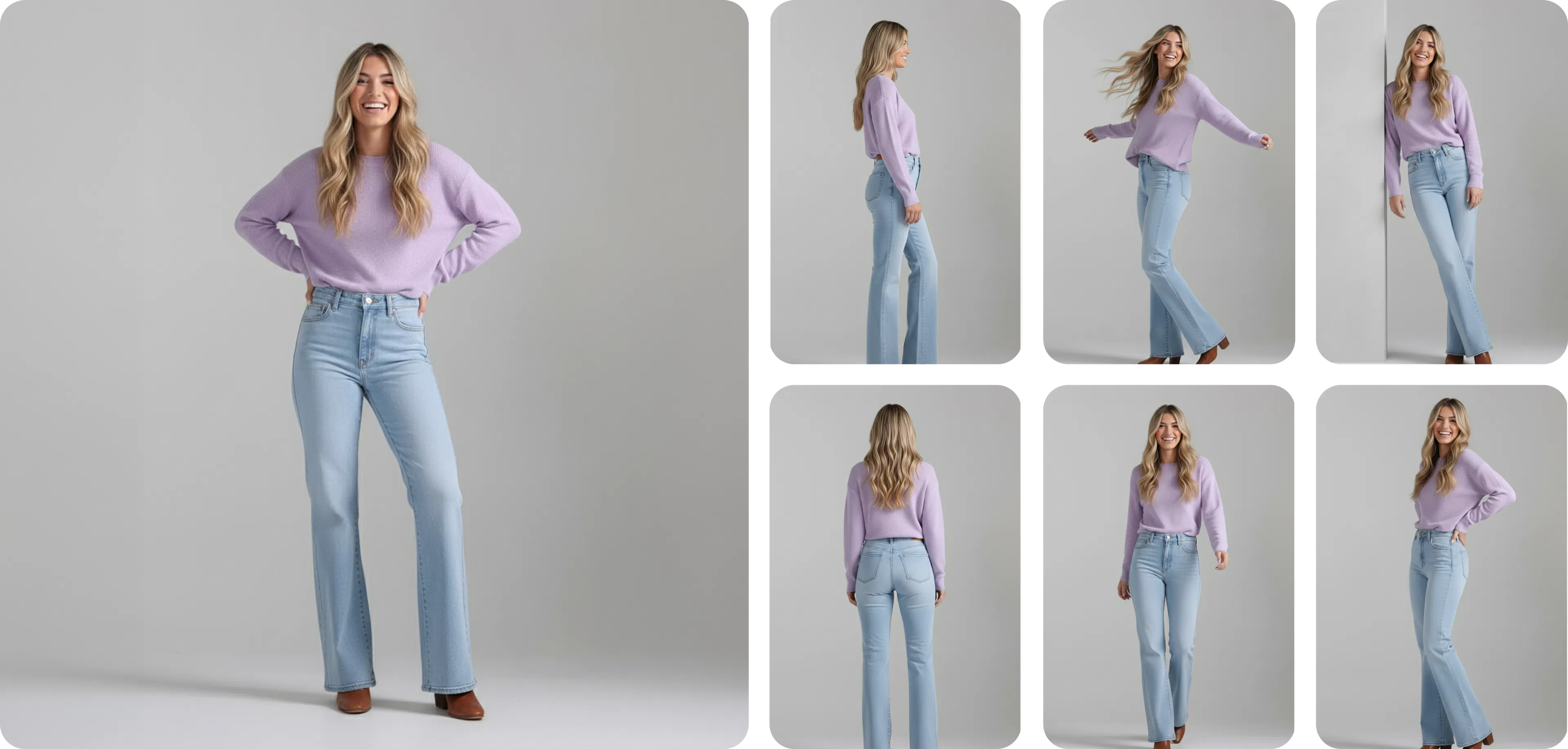
One model photo converted into a variety of different poses

How does change pose work?

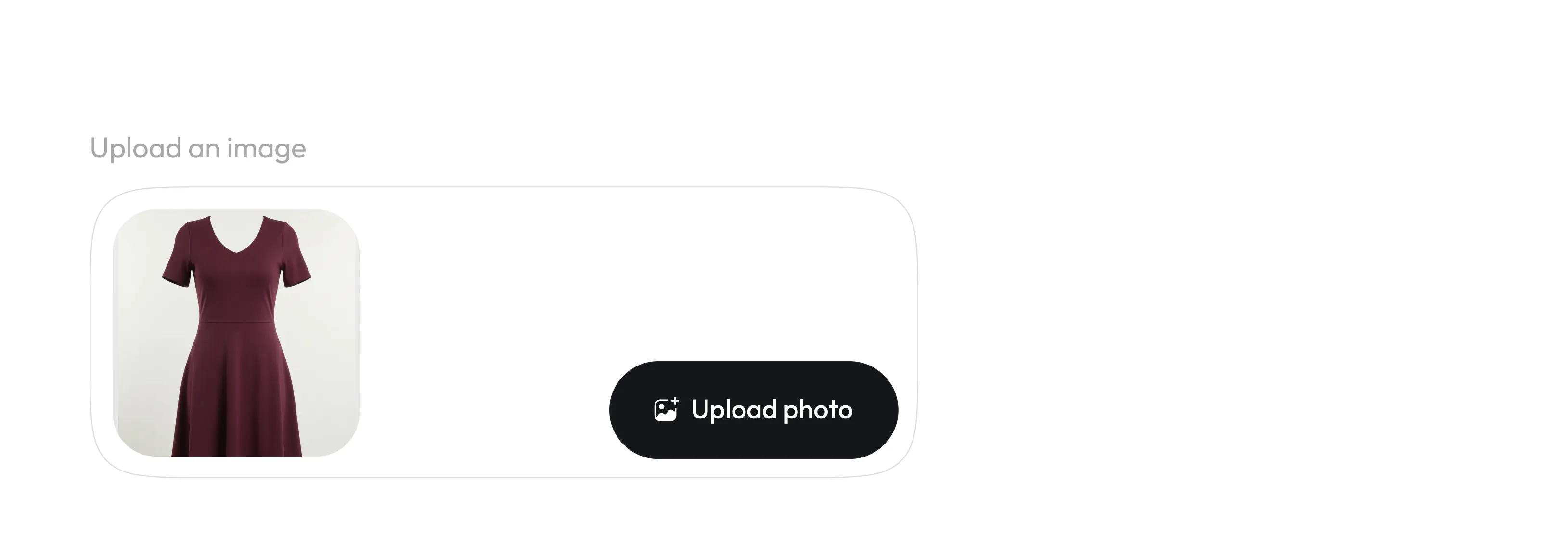
Generate your AI model Image

Start by creating an AI model image using Blend’s AI Model tool. Upload a garment, jewellery or accessory, pick a style image, or upload your own. You can also specify attributes like ethnicity, skin color, hair type etc to customize the model.

Generate your AI model Image

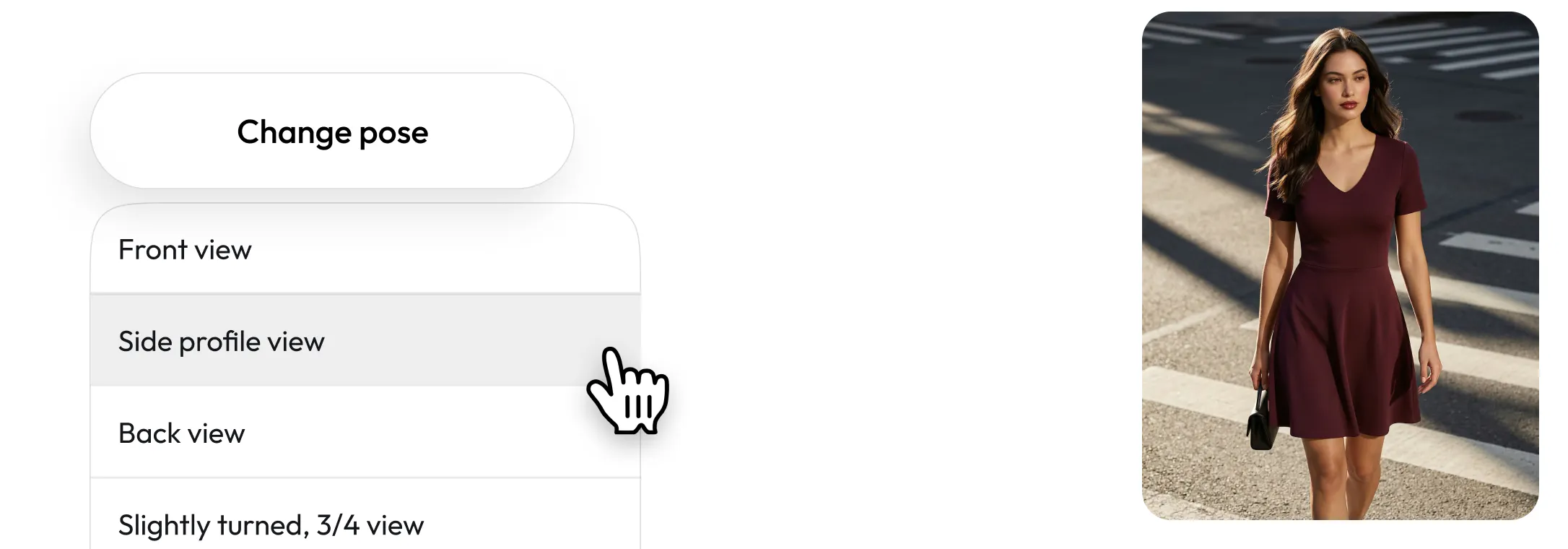
Select “Change Pose”

Tap on ‘change pose’ & now choose from multiple preset pose styles inside the dropdown menu. Pick from options like front view, back view, or even non traditional poses like jumping in the sky. You can even specify something that is on your mind, and not on the list.

Select “Change Pose”

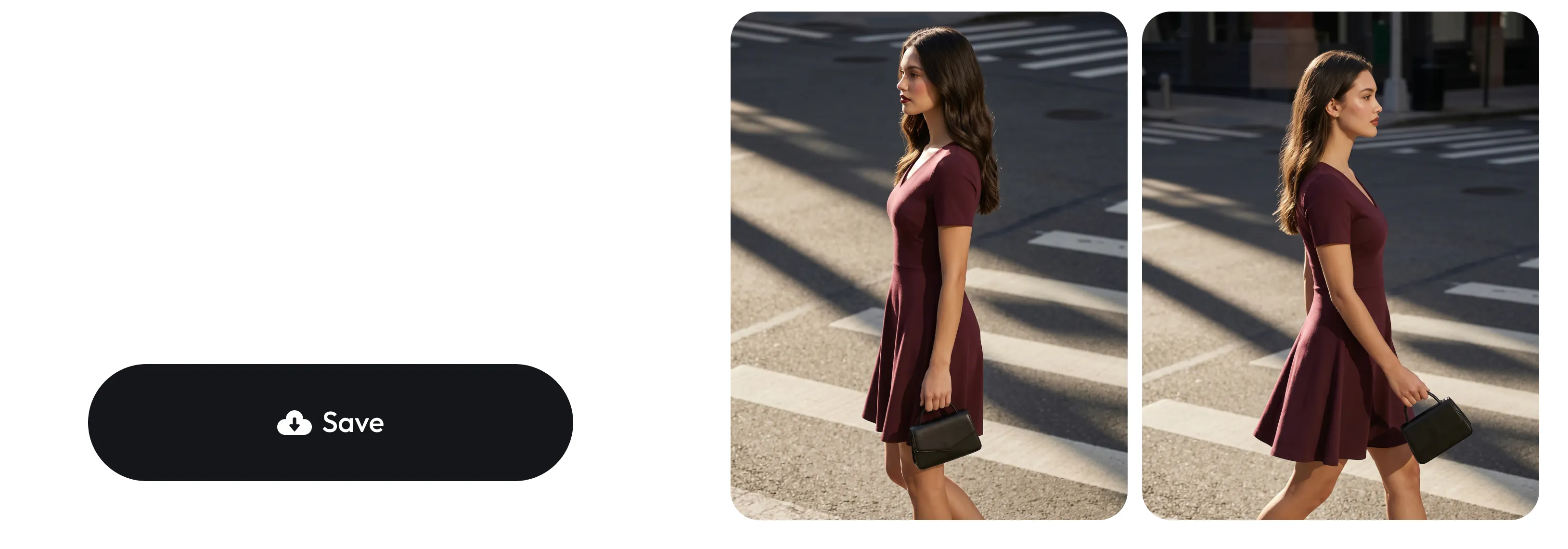
Save or try another pose

Blend instantly recreates your AI model in the selected pose while maintaining outfit accuracy and visual consistency, save or explore other poses.

Save or try another pose

Eliminate expensive fashion photoshoots

Generate multiple model poses digitally without hiring photographers, studios, or models for additional shoots. Perfect for brands looking to scale content creation affordably.
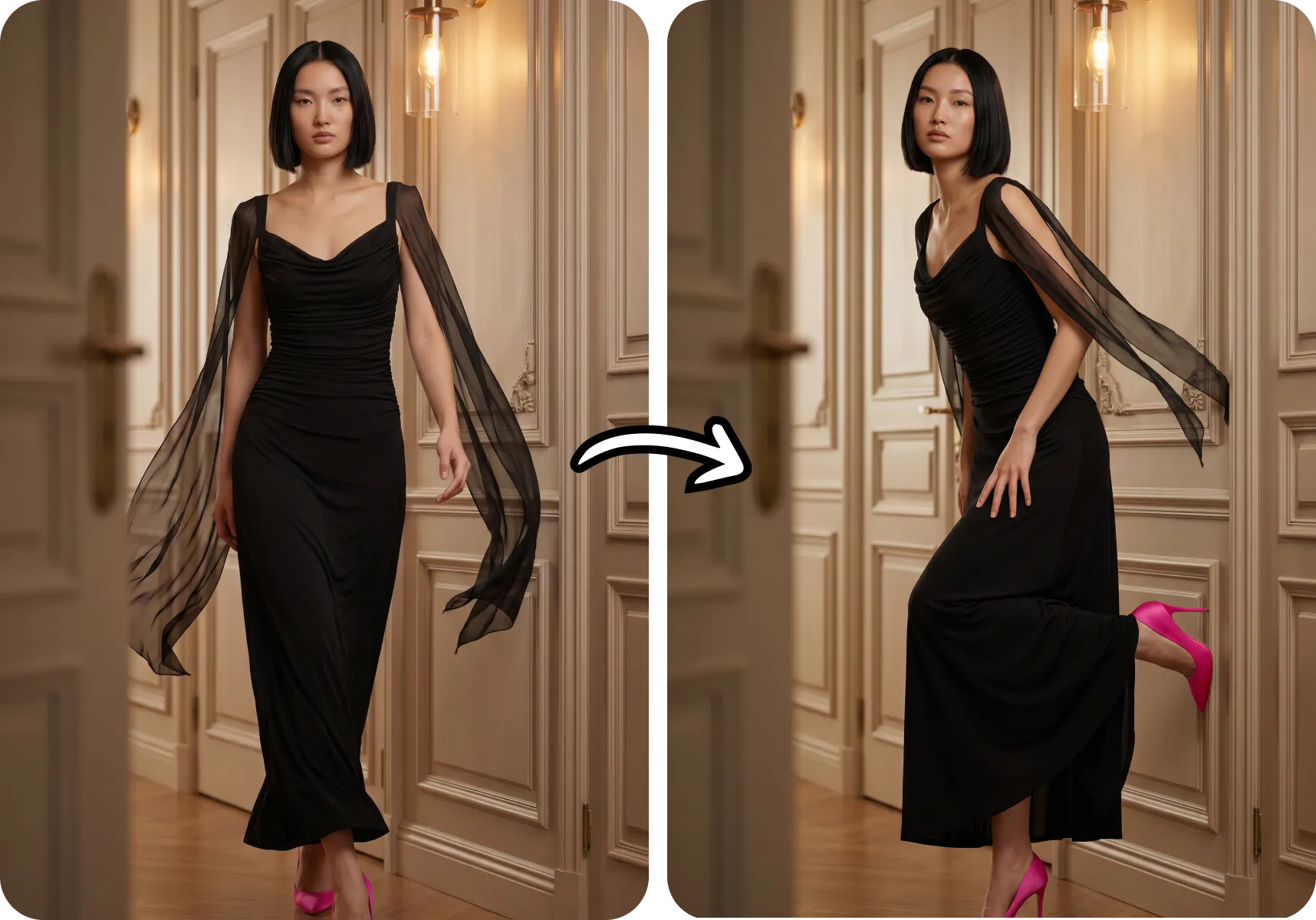
A photo of a before after changing a model photography pose

Create more for social media & Ads

Generate high-quality AI fashion model images optimized for Instagram, TikTok, Shopify, Amazon, Facebook Ads, lookbooks, and ecommerce marketing campaigns — all from a single outfit image.
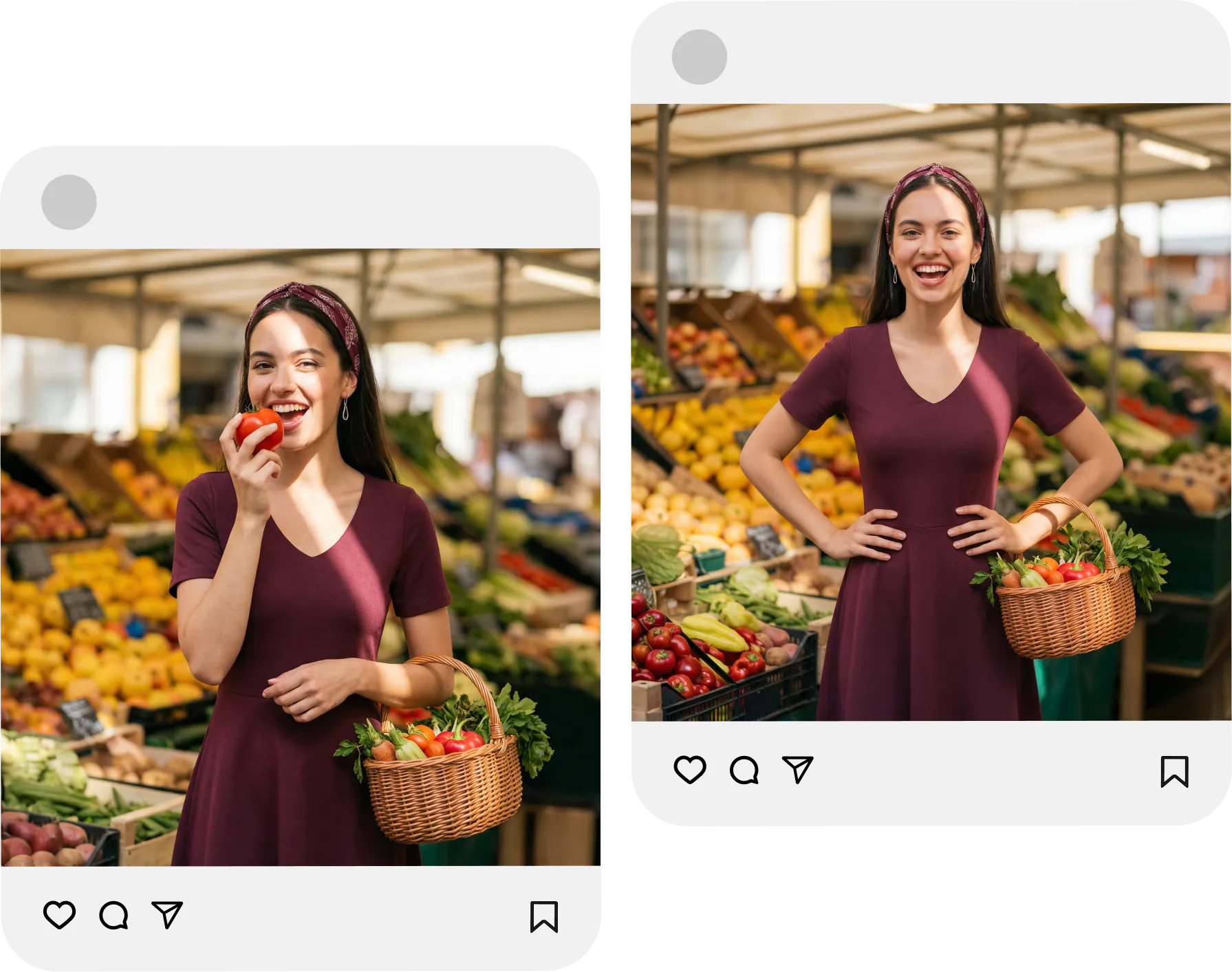
Create more variations of same photos so that your social media never runs out

Turn one AI model into multiple shots

Instantly create multiple AI-generated model poses from a single try-on image. Generate standing poses, walking shots, editorial poses, side profiles, candid looks, and lifestyle fashion images for ecommerce listings and social media content.
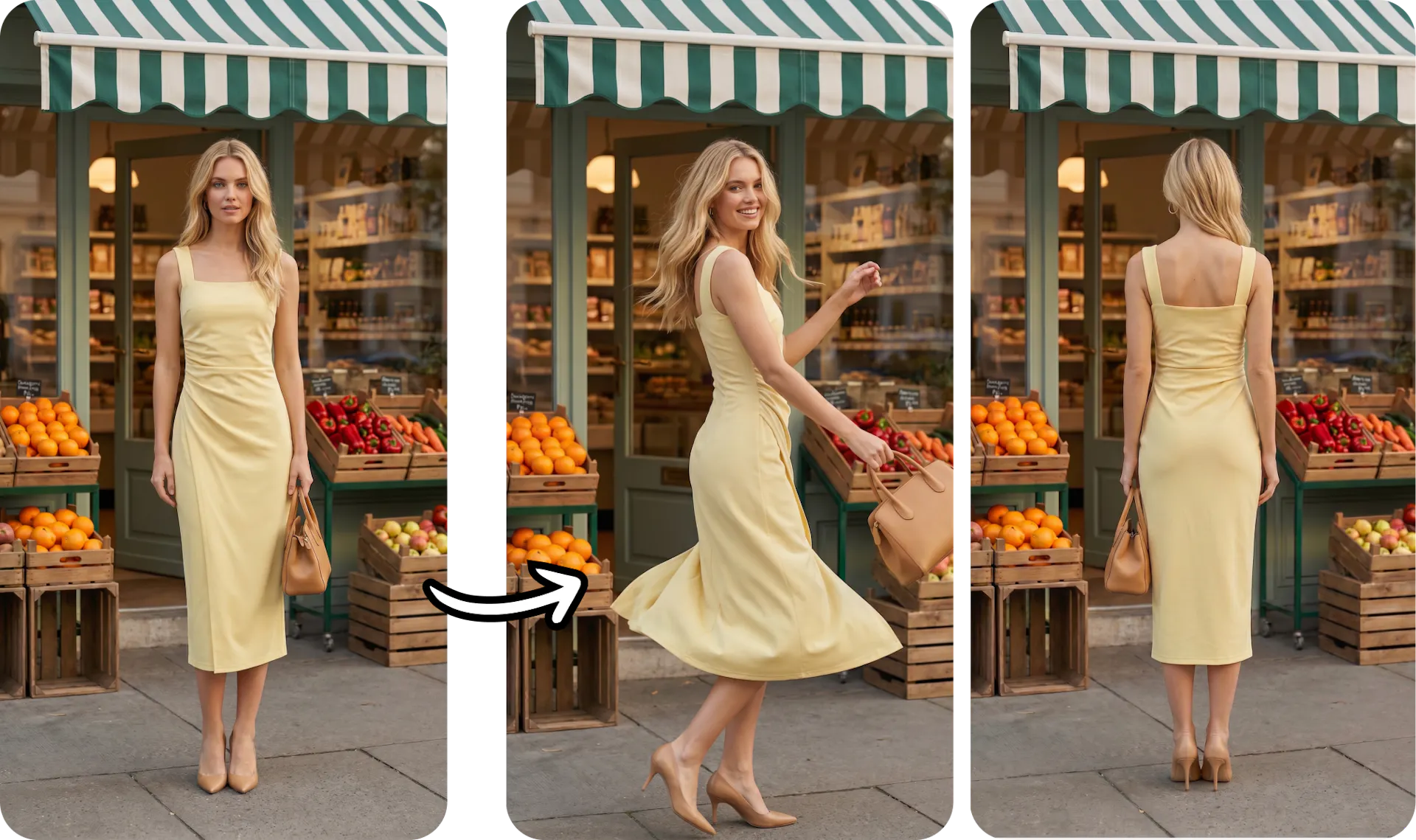
Create 360 degree photos from a single photoshoot

Improve your product conversions

Different model poses help shoppers better visualize clothing fit, styling, and movement. Create more engaging AI product photos that improve customer confidence, boost engagement, and increase ecommerce conversions.
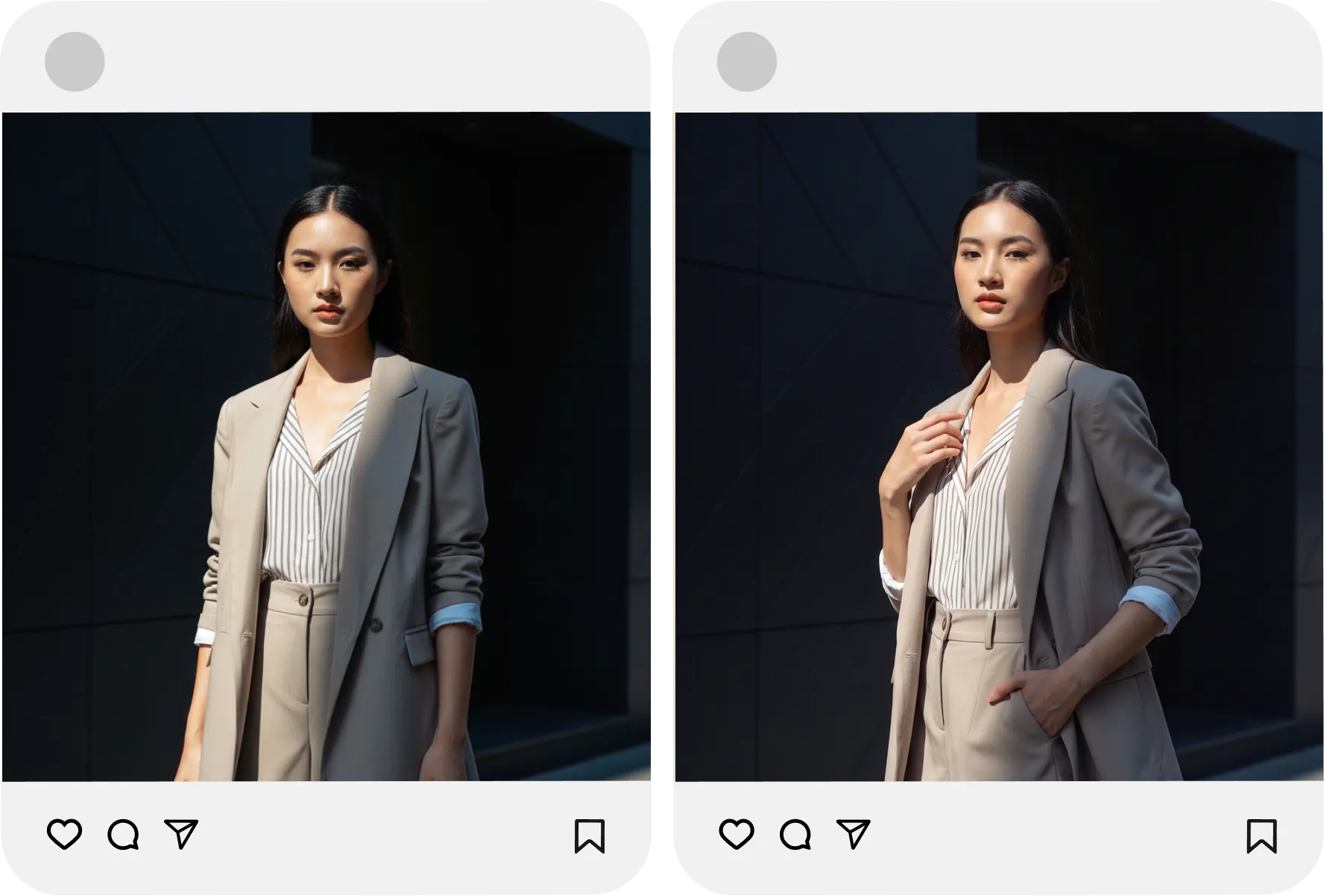
Create poses so that users can visualize better

Frequently asked questions

Change Pose lets you take a single AI model image and instantly generate the same model in new poses — front view, side profile, back view, 3/4 turn, walking shots, and more. One outfit image becomes a full set of model shots, no reshoot required.